
Client Presentation Examples — That Win Trust and Close Conversations
A strong client presentation does more than just explain ideas. It builds confidence and shows clarity.
Whether you are pitching a service or presenting results, the way you structure your presentation matters.
The fastest way to improve your client presentations is to study the right examples.
In this guide, I will break down practical client presentation examples and explain when to use each one. This way, your audience stays engaged!
Let us get right into it.
What Makes a Client Presentation Effective
Before we look at examples, it is important to understand what clients expect.
Clients basically want to know:
- Do you understand their problem?
- Do your recommendations make sense?
- Can they confidently explain your proposal to others?
Effective client presentations are built around decision-making. Every slide should help the client move closer to a clear understanding.
Example 1: The Project Proposal Presentation
This is one of the most common client presentations. This works especially for;
- Agencies
- Consultants
- Service providers
A strong project proposal presentation focuses less on your company. It focuses on the client’s situation.
This explains how you will solve the problem efficiently.
Example 2: The Strategy Recommendation Presentation
Strategy presentations are often misunderstood.
Make note that;
- This should not be theoretical
- To seperate understanding from recommendation
- Ground the discussion in what is already happening
Example 3: The Client Progress or Review Presentation
Strong examples don’t just show results. They explain them.
They focus on progress.
- A review presentation should feel transparent
This format works well for client relationships. It also works well for monthly reviews.
Example 4: The Sales or Solution Pitch Presentation
Sales-focused client presentations need a completely different tone. The goal here is not just understanding. The goal here is to pursue.
- Lead with relevance
- Understand the need of the client’s needs first
- Explain outcomes
- Explain impact
- Reduce uncertainty
- Answer objections indirectly
Example 5: The Training or Onboarding Presentation
Training presentations are often underestimated.
- Good examples are structured and paced well.
- They explain processes step by step.
How to Choose the Right Client Presentation Format?
- A proposal deck works when decisions are required
- A review deck works when accountability matters
- A strategy deck works when alignment is the goal
The structure has to match the purpose.
MagicSlides: Create Client Presentations Faster Without Losing Structure
Building client presentations often takes more time than expected. This happens especially if you are starting from a blank slide.
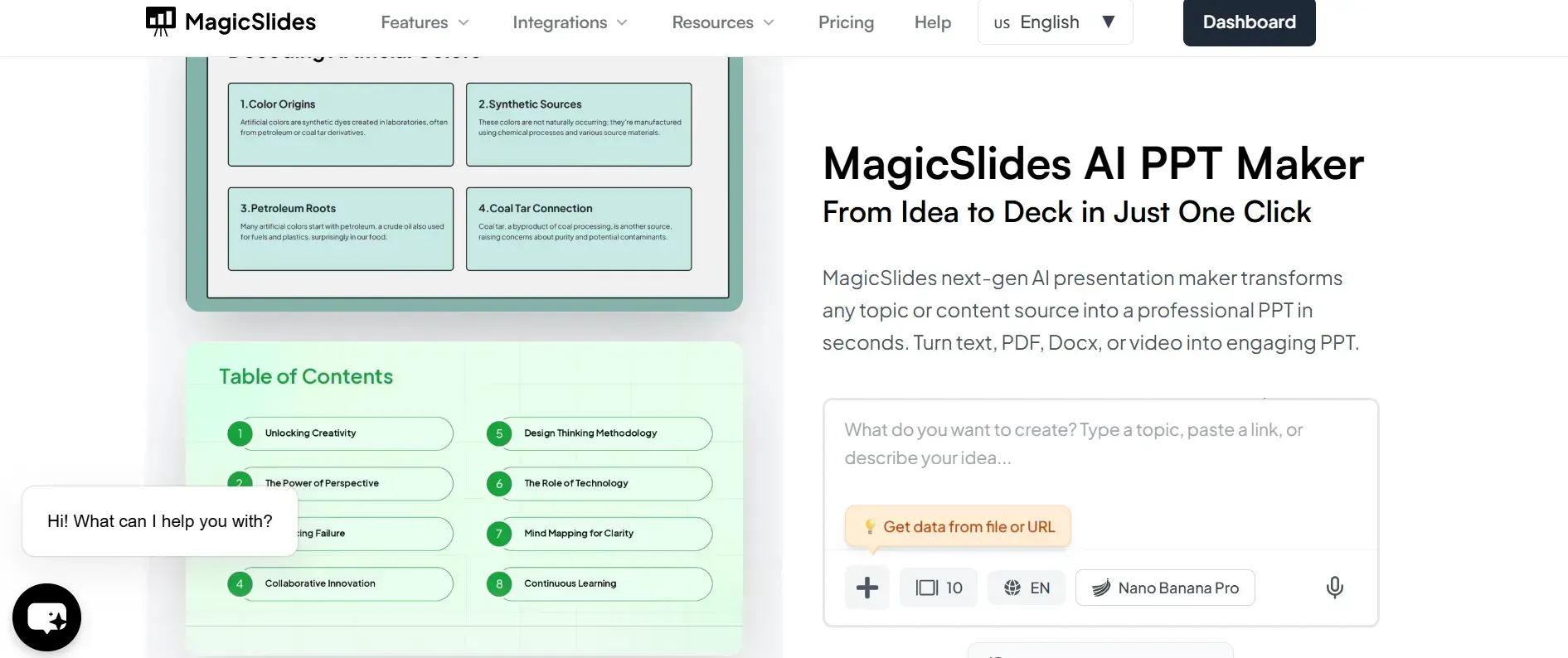
MagicSlides.app, an AI PPT maker tool, helps by converting your notes, outlines, or key points into a well-structured presentation, instantly. Here, you do not have to worry about messing up your slide. Everything is done by MagicSlides.
This is particularly useful when:
- You prepare multiple client decks regularly
- You need consistency across presentations
- You want a strong draft quickly
MagicSlides works with Google Slides. This makes it easier to collaborate, edit, and to present.
Common Mistakes Seen in Client Presentations
- Adding too much information
- Focusing too much on internal achievements
- Not respecting the client’s time and attention
If a slide doesn’t help the client understand and trust, you are doing it wrong.
Conclusion
The best client presentation examples share one thing in common: they make the client’s job easier.
They explain ideas clearly and guide the audience well.
And if you want to present well structured slides without losing quality, MagicSlides can help you create presentations faster.
FAQs
Q1. What should a client presentation include?
A clear objective, relevant context, concise insights, actionable recommendations, and defined next steps.
Q2. How long should a client presentation be?
Most effective client presentations range between 10 and 15 slides, depending on the purpose and audience.
Q3. Can MagicSlides be used for client presentations?
Yes. MagicSlides is well-suited for creating structured client presentations quickly, especially for proposals, reviews, and strategy decks.
Q4. Are client presentation examples useful for beginners?
Absolutely. Studying examples helps beginners understand structure, pacing, and expectations before creating their own decks.
Q5. Can MagicSlides presentations be customized for different clients?
Yes. All slides generated by MagicSlides are fully editable, making it easy to tailor content for each client.
Q6. How do you tailor a client presentation for different stakeholders?
By adjusting the focus of each section. Executives usually want outcomes and decisions, while operational teams care more about process, timelines, and execution details.
Q7. Should client presentation examples differ for virtual meetings and in-person meetings?
Yes. Virtual presentations benefit from simpler slides and clearer visual hierarchy, while in-person decks can support more discussion and context through spoken explanation.
Q8. Does MagicSlides work for recurring client presentations?
Yes. MagicSlides is particularly useful for recurring presentations, as it helps maintain a consistent structure and design while allowing easy updates for each new client or meeting.