
How to Make an Impressive Product Launch Deck — That Actually Gets People Excited
A product launch deck does not need any animations. What it really needs is clarity. If someone understands what you are launching and why it matters, your deck is already doing the right thing.
The fastest way to create an impressive product launch deck is to tell one focused story. In this way, you guide the audience properly. Everything else is just support.
Let us break down how to build a launch deck that feels confident.
Let us get into it!
Start With the Outcome, Not the Product
Most launch decks fail because they start with features.
Before opening PowerPoint or Google Slides, decide what you want the audience to think or to do at the end. This is easier to shape. In this way, they guide attention.
This way, the deck instantly feels more professional.
Method 1: Frame the Problem in a Way People Recognize Instantly
- Do not explain points in abstract language
- Keep your sections short
- One or two slides are enough
The goal is recognition.
If this part goes well, the rest of the deck feels good.
Method 2: Introduce the Product as the Natural Next Step
This is where many decks go wrong by overexplaining.
Your product should feel like the answer to the problem you described. You do not need every feature here. You just need the core idea.
- What it helps people do
- How it simplifies something
- How does it improve something
- Why is it different in one way
If you can explain your product clearly in one slide, know that the deck is already strong.
Method 3: Show the Product in Use, Not Just What It Is
Screenshots, short flows, and simple visuals do more than paragraphs ever will.
Instead of listing features, show:
- How someone starts using the product
- What changes after they do
- What success looks like
This makes the product feel very real. People don’t buy concepts. They buy outcomes.
Method 4: Keep the Design Quiet and Intentional
An impressive deck does not fight for attention.
Make sure to:
- Use consistent spacing
- Use large, readable text
- Minimal colors
Make sure that your content breathes!
Know that good design does not show off. It gets easier to grasp.
Method 5: Build Momentum Toward One Clear Next Step
That action could be:
- Signing up
- Approving the launch
- Funding the next stage
- Booking a demo
Make sure to say it clearly.
When people know what to do next, your deck has done its job.
MagicSlides: Create a Product Launch Deck Without Starting From Scratch
If you already know your product story and do not want to spend hours, MagicSlides.app can speed up the process instantly.
With MagicSlides, an AI-powered presentation maker tool, you can easily turn your product description, notes, or launch into a clean, well-structured presentation automatically. The tool handles layout and flow. It also handles the slide hierarchy. In this way, you can focus on refining the message instead of building slides one by one.
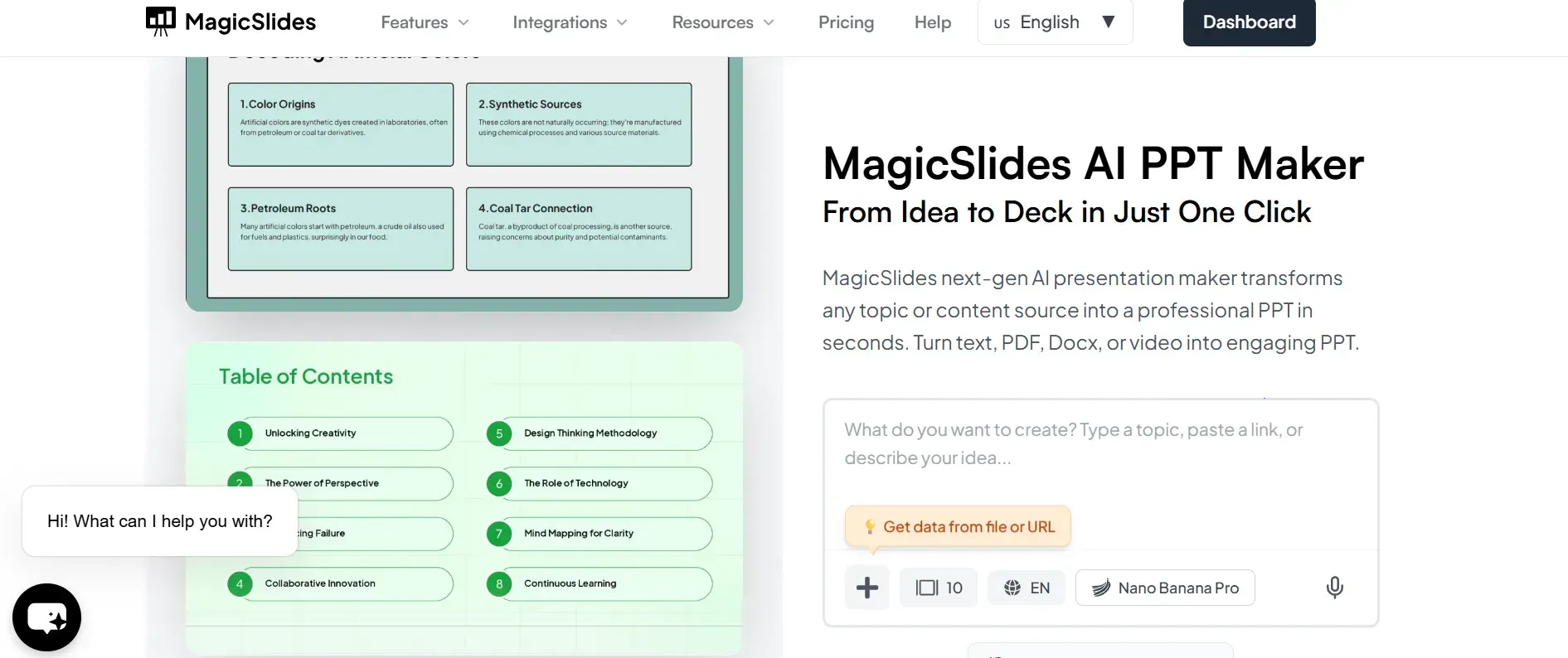
This is especially useful when:
- You are preparing for a fast launch
- You need a solid first version
- You want a deck that feels organized
MagicSlides works directly with Google Slides. This makes it easy to edit and share.
Common Mistakes That Make Launch Decks Forgettable
- Trying to impress instead of trying to be understood
- Adding too many slides
If a slide doesn’t move the story forward, it does not matter.
Conclusion
The best product launch guides the audience. An impressive launch deck is always clear.
When you focus on the problem, present the product as a natural solution. Make sure to end with a clear next step. In this way, your deck becomes easy to follow and hard to forget.
And if you want to move faster without messing with your structure, MagicSlides can help you turn your product story into a ready-to-present deck in under a minute.
FAQs
Q1. How many slides should a product launch deck have?
Most strong launch decks fall between 8 and 12 slides. Enough to tell the story, not enough to dilute it.
Q2. Should a launch deck be different for investors and customers?
Yes. The core story stays the same, but the emphasis changes. Investors care about vision and traction; customers care about value and usability.
Q3. Can MagicSlides help structure a product launch deck?
Yes. MagicSlides automatically organizes content into a logical slide flow, which is ideal for launch presentations.
Q4. Is MagicSlides good for last-minute launch decks?
Absolutely. It’s especially useful when time is limited, and you need a clean, presentable deck fast.
Q5. Can I edit slides generated by MagicSlides?
Yes. All slides remain fully editable in Google Slides, so you can fine-tune details before launch.