
Easy Guide to Creating a Virtual Presentation
A virtual presentation is a presentation that is delivered online.
In this guide, you will learn how to create a virtual presentation in a simple and easy way. Let us get into it.
What Is a Virtual Presentation?
A virtual presentation is a communication form where a speaker delivers a presentation remotely to an audience.
Virtual presentations are commonly used for:
- Online classes
- Business meetings
- Webinars
- Remote training sessions
- Online conferences
What You Need Before Creating a Virtual Presentation?
Before you start making slides, you need to have a few things ready.
You need:
- A clear topic
- Basic content or ideas
- A presentation tool (PowerPoint or Google Slides)
- An online meeting platform
- A stable internet connection
Method 1: Create a Virtual Presentation Using PowerPoint
PowerPoint is one of the most commonly used tools for virtual presentations.
To create a presentation:
- Open PowerPoint
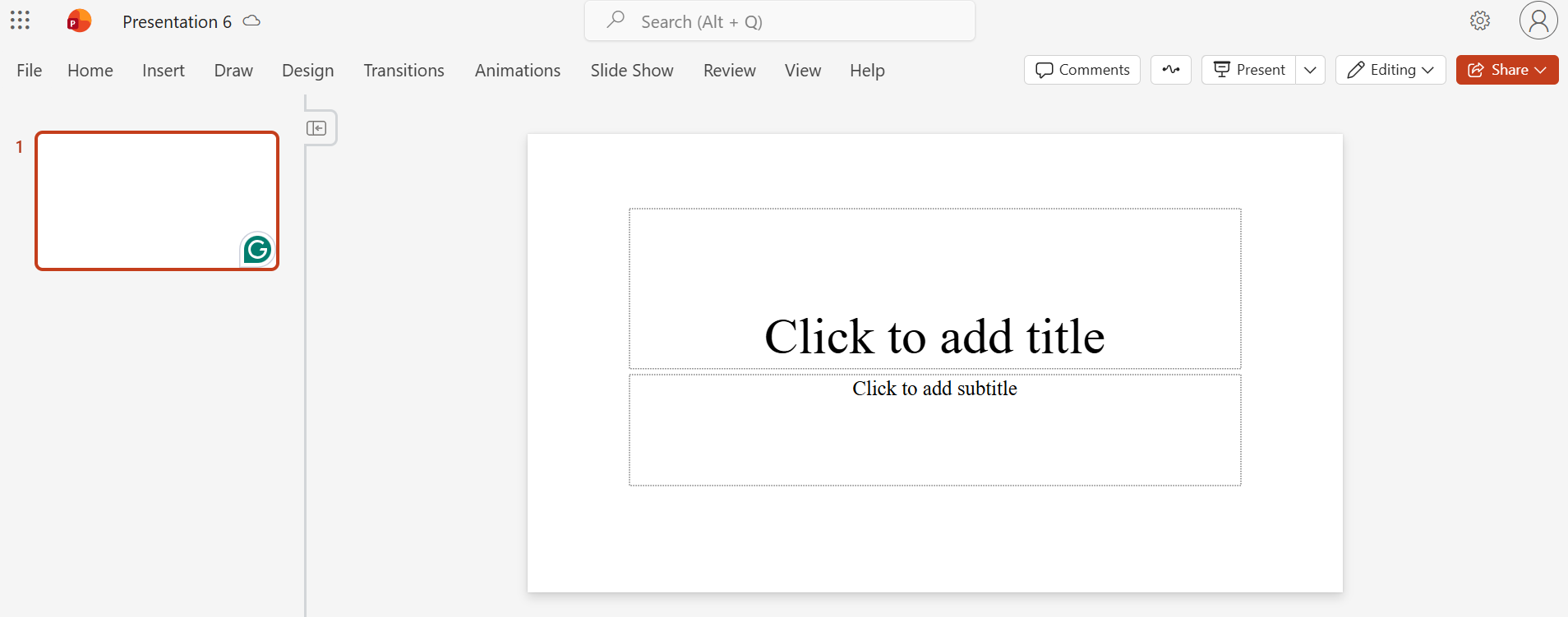
- Choose a slide layout
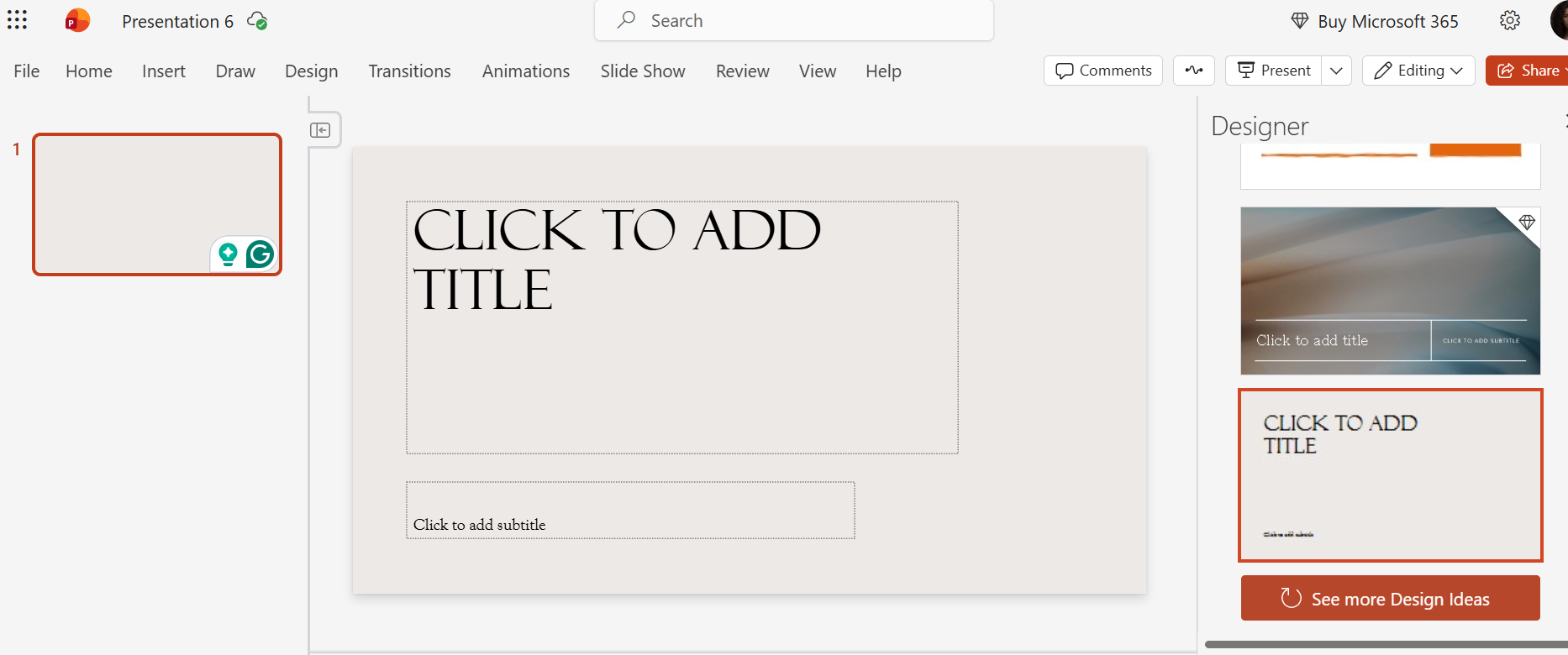
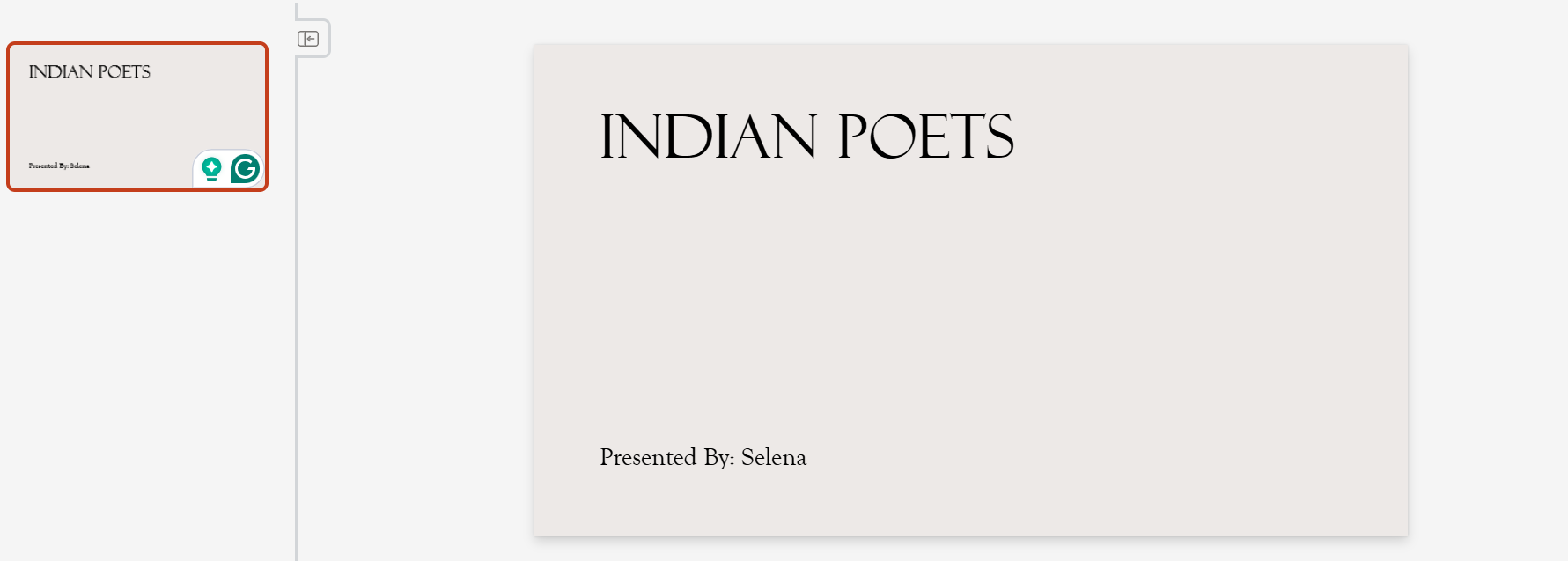
- Add a title slide with a topic
- Create slides for each idea
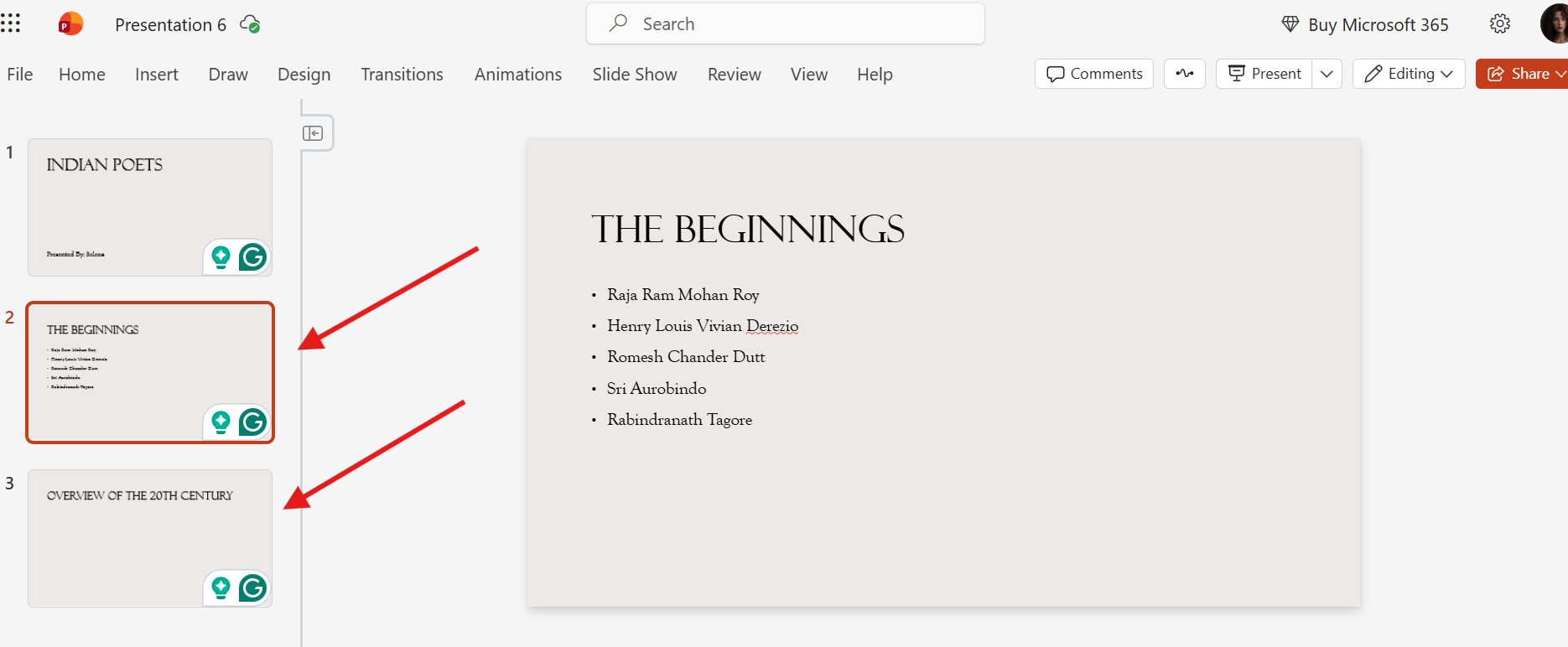
- Use short lines instead of paragraphs
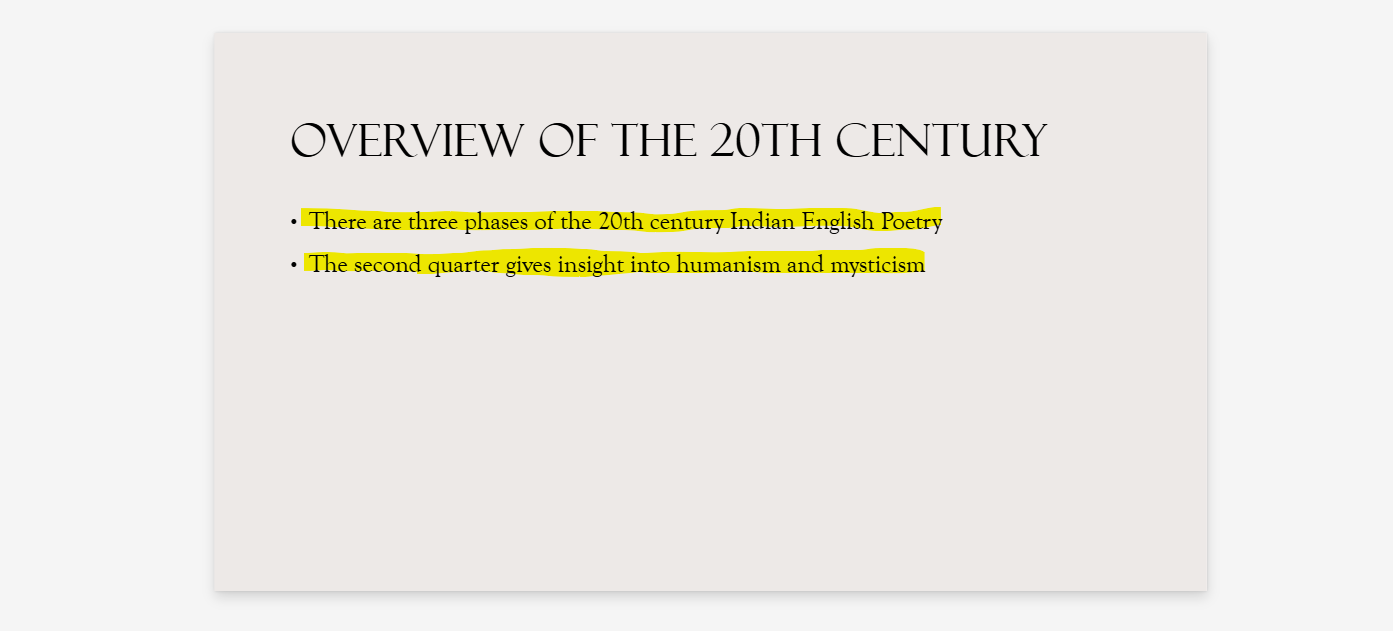
- You can add images to support your message
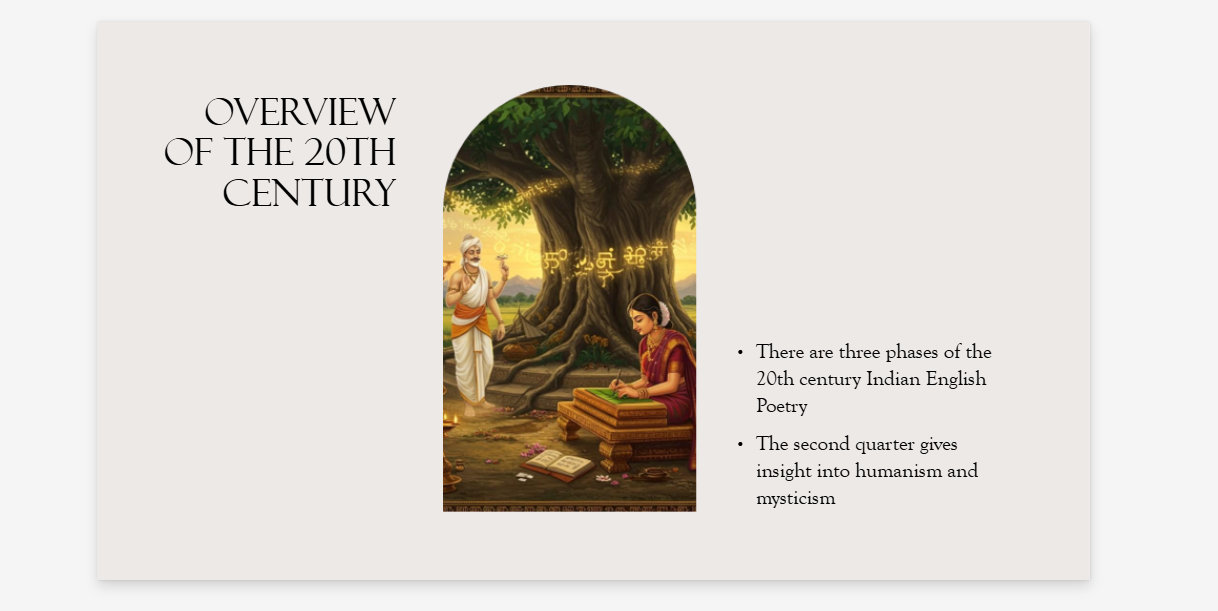
Save the presentation once it is ready!
Method 2: Create a Virtual Presentation Using Google Slides
Google Slides is another popular option. It works directly in your browser and it saves automatically.
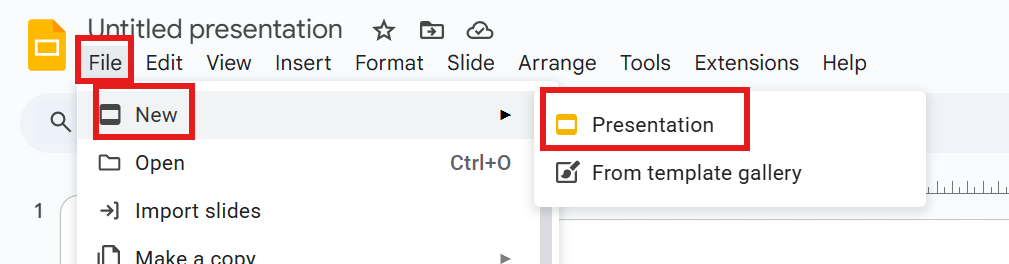
For this:
- Open Google Slides
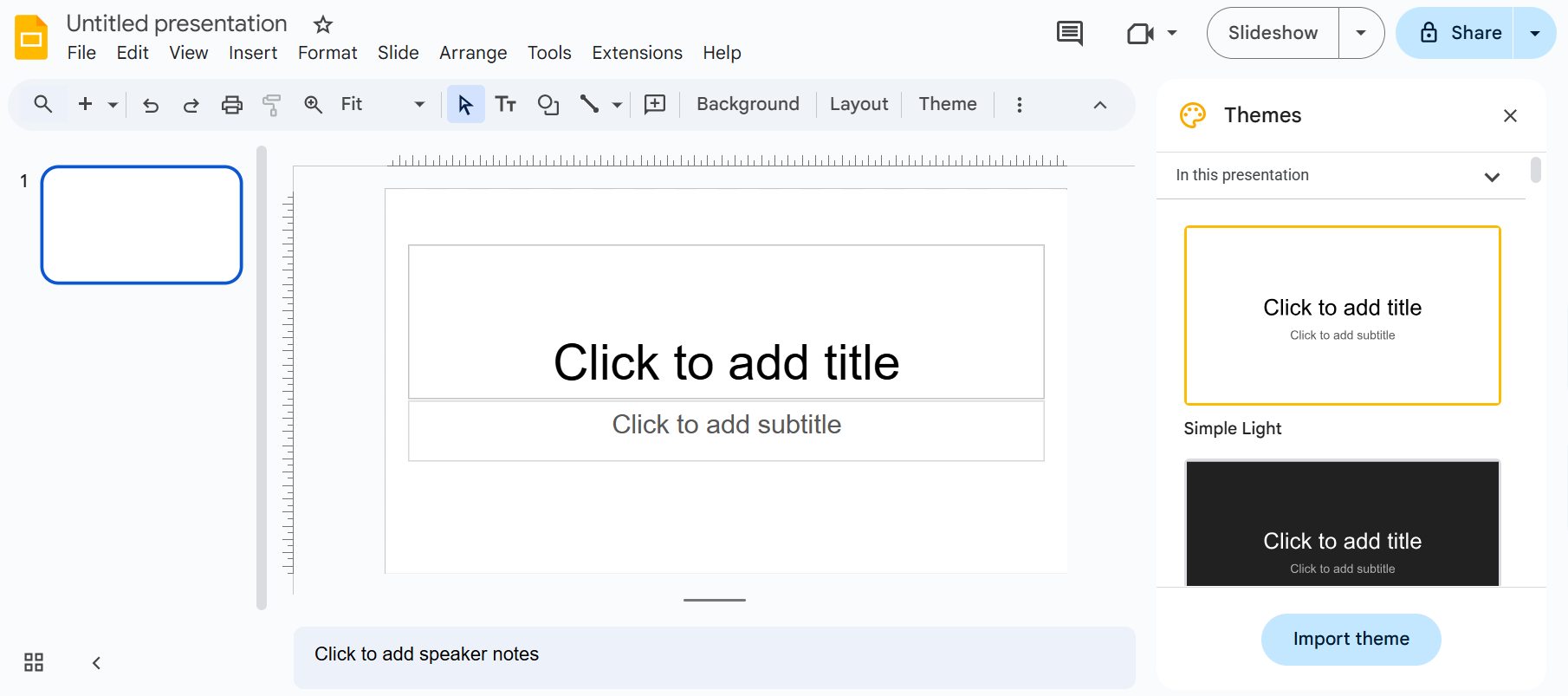
- Create a new presentation
- Add title and slides (similar to the above explanation)
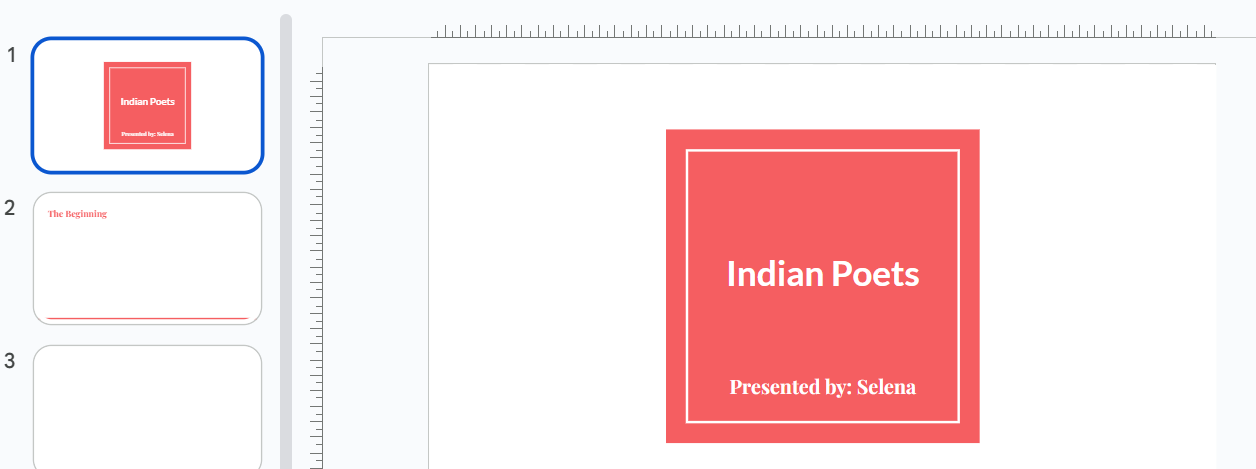
Save your presentation.
Make sure to review them carefully before presenting.
To improve how you speak and engage your audience during a virtual presentation, you can also explore different Presentation Techniques that help make your delivery more effective.
How to Structure a Virtual Presentation?
- Your presentation should move smoothly from one idea to the next
- Start with an introduction slide
- Each slide should explain key points
- End with a conclusion (summarizing the main ideas)
- Avoid jumping between topics
Designing Slides for Online Viewing
Design is more important in virtual presentations. This is because the audience completely relies on the screen.
Use:
- Large and readable fonts
- Simple background colors
- Enough space between text
- Animations that are minimal
Delivering the Virtual Presentation
During the presentation:
- Speak calmly
- Look at your slides while explaining them
- Use simple language
- Pause between points
- Avoid reading directly from the slides
Creating Virtual Presentations Faster With MagicSlides
Creating slides manually can take time. This is where MagicSlides.app can help you.
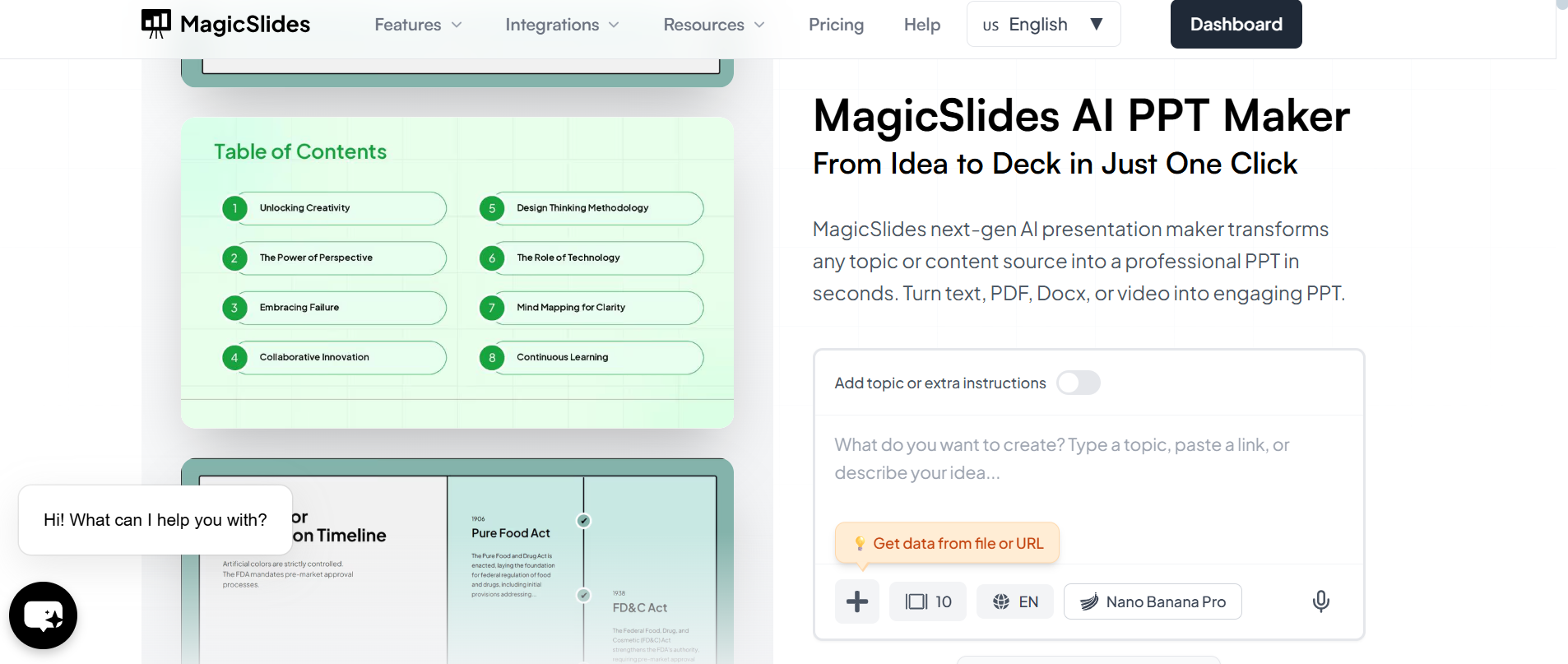
MagicSlides is an AI-powered presentation maker tool. It helps you generate presentation slides based on a topic. You do not have to start from a blank slide anymore. You get a ready-made structure. This can work well for virtual presentations.
Once the slides are generated, you can customise them based on your needs. This can save you time. It also helps you focus more on presenting.
MagicSlides is especially helpful if you are someone who creates virtual presentations regularly.
Conclusion
Learning how to create a virtual presentation is an important skill. Especially in today’s virtual world. Virtual presentations allow you to share ideas and communicate effectively.
By planning your content and preparing well, you can deliver a very clear, and confident virtual presentation. MagicSlides makes your entire process easier and faster. It gives you a presentation generated in under a minute! This saves you time and manual effort.
Also: Read How to Make a Flowchart.
FAQs
Q1. What is a virtual presentation?
A virtual presentation is a presentation delivered online using slides and a video conferencing platform.
Q2. Which tool is best for creating virtual presentations?
PowerPoint and Google Slides are commonly used and beginner-friendly.
Q3. Do virtual presentations need more slides?
No. Fewer, clearer slides work better for virtual presentations.
Q4. Can I present without a camera?
Yes. Slides and clear audio are more important than video.
Q5. How long should a virtual presentation be?
Shorter presentations work best. Keeping it concise helps maintain attention.
Q6. Can MagicSlides help with virtual presentations?
Yes. MagicSlides helps generate structured slides quickly, making virtual presentations easier to create.
Q7. Are virtual presentations suitable for students?
Yes. They are widely used for online classes and assignments.
Q8. Do I need design skills to create virtual presentations?
No. Simple layouts and tools like MagicSlides make it easy.
Q9. Can virtual presentations be recorded?
Yes. Most online platforms allow recording for later use.
Q10. What is the most important part of a virtual presentation?
Clear communication and simple slide design.