
Easy Ways to Add a Signature to Google Forms
Google Forms does not have a built-in handwritten signature feature. But there are simple ways to collect signatures.
In this guide, you will learn how to add a signature in Google Forms. Let us get into it!
Can You Add a Signature in Google Forms?
Adding a signature to Google Forms is not as direct as when you add a text question. Because Google Forms does not have a built-in signature field, you can still collect signatures. This can be done in simple ways.
The method you choose depends on how formal your form needs to be.
Most schools, small businesses, and teams use typed or uploaded signatures. This is because they are quick. It is easy.
In short, adding a signature to Google Forms is about choosing the right question type. It is about clearly telling users how to sign.
When Do You Need Signatures in Google Forms?
Common situations include:
- Consent forms
- Permissions slips
- Volunteer registrations
- Event approvals
- Internal company requests
Method 1: Collect a Typed Signature (Most Common Method)
Simple Steps:
- Open your Google Form
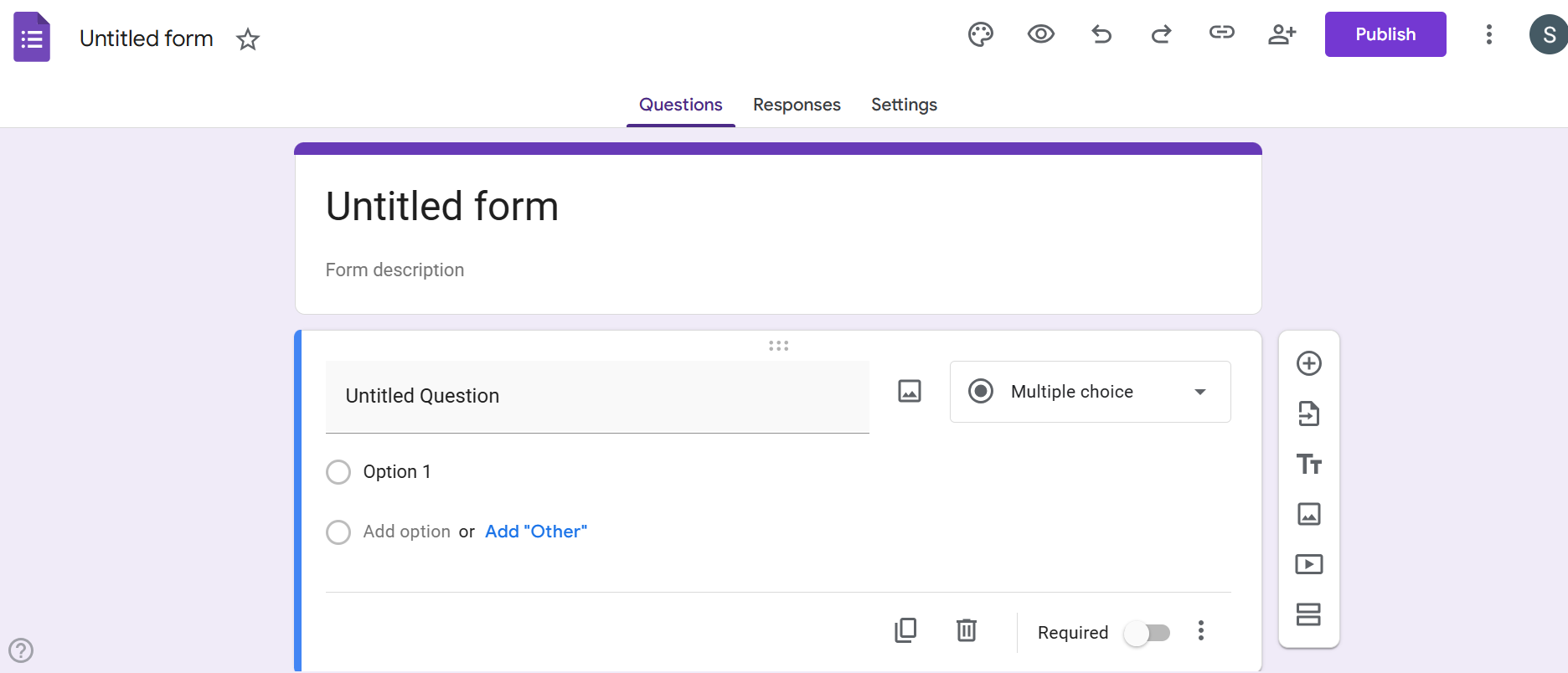
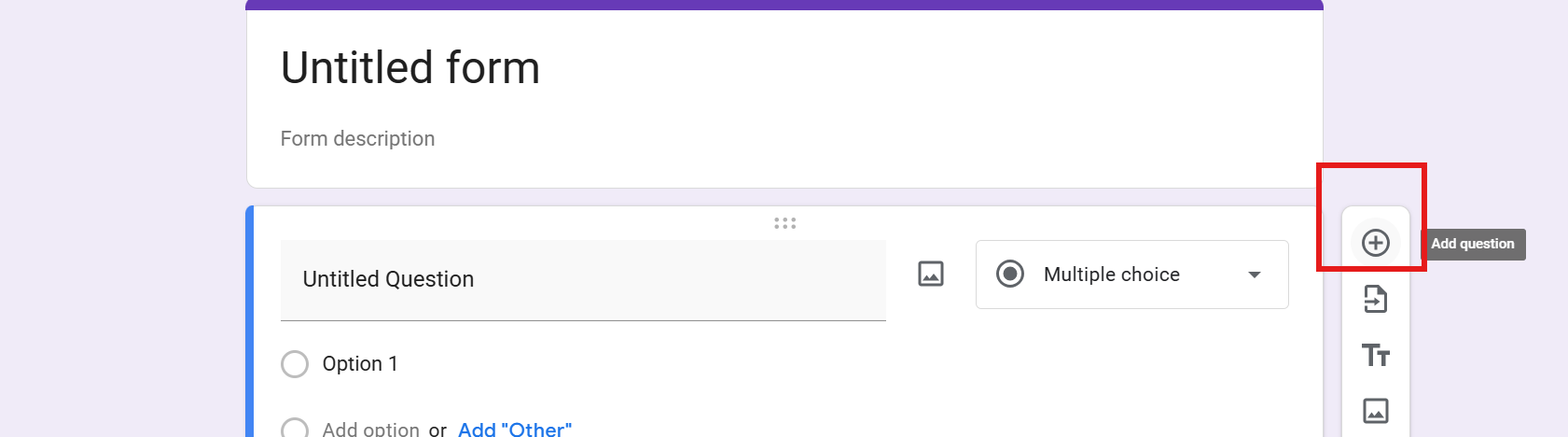
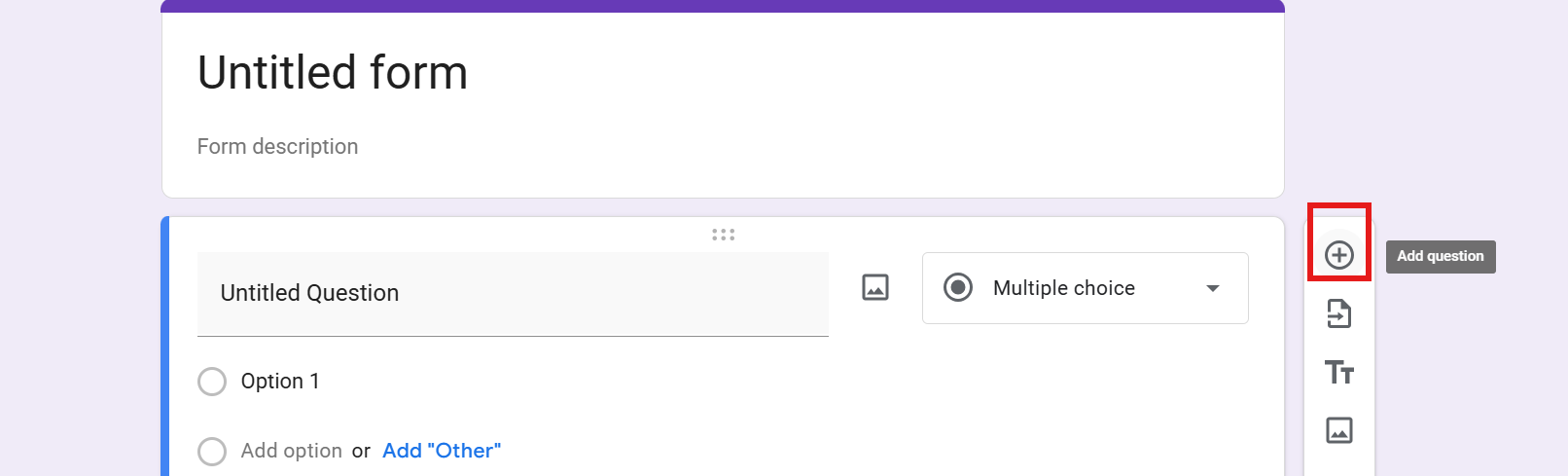
- Click the plus (+) button to add a question
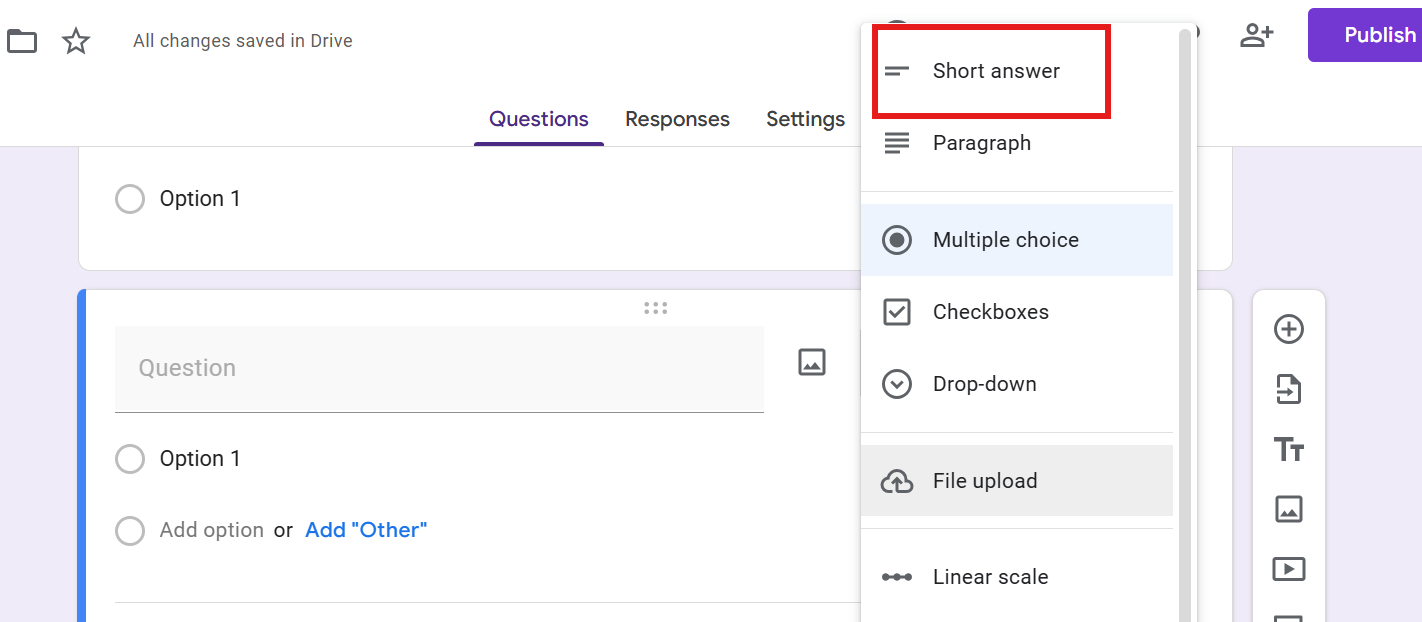
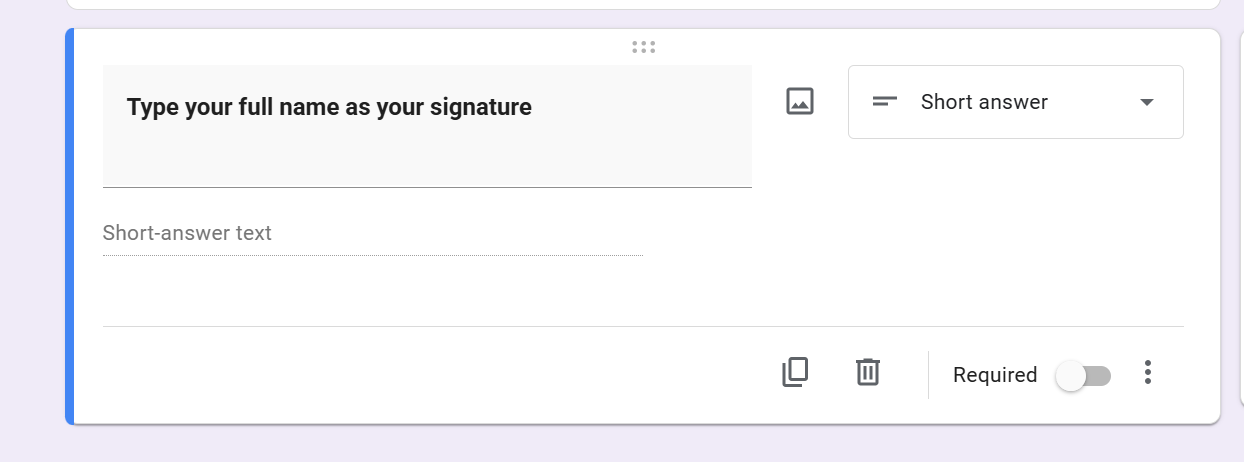
- Choose Short answer
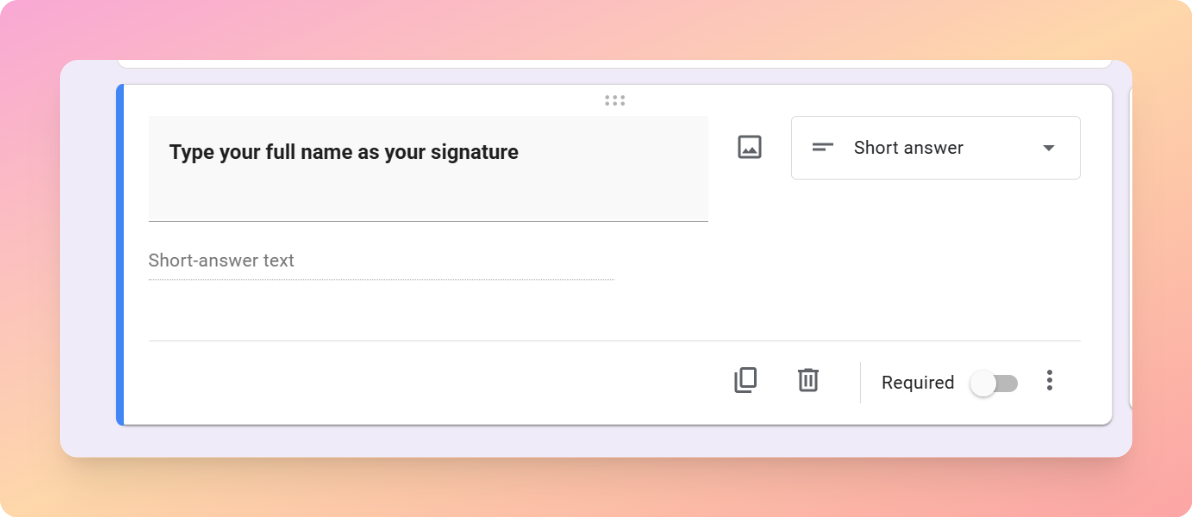
- Write a question like: “Type your full name as your signature.”
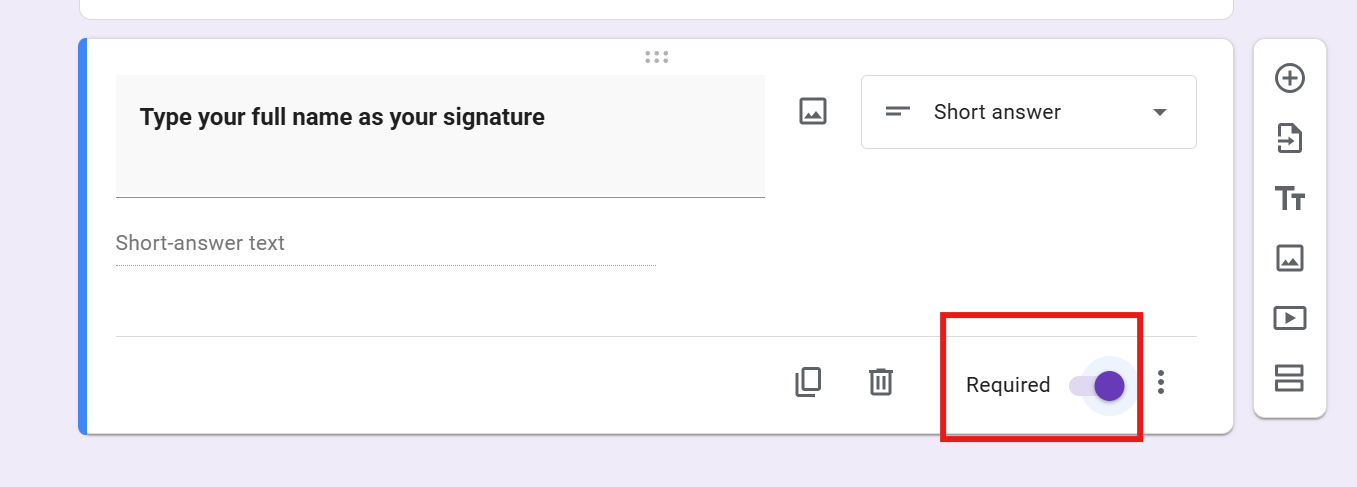
- Turn on the Required option
Method 2: Upload a Handwritten Signature as a File
Simple Steps:
- Add a new question
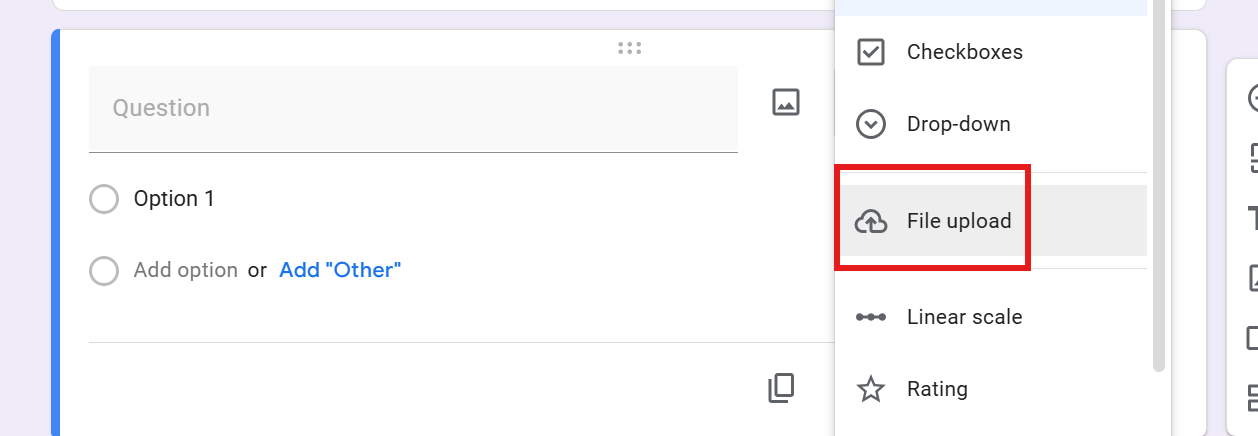
- Select File upload
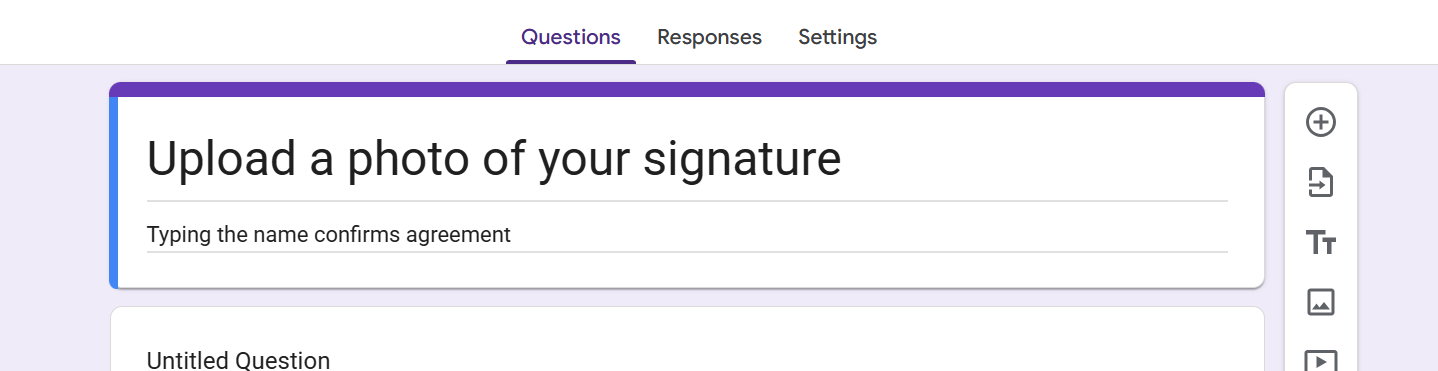
- Write a question like:
“Upload a photo of your signature.”
- Limit file types to images or PDFs

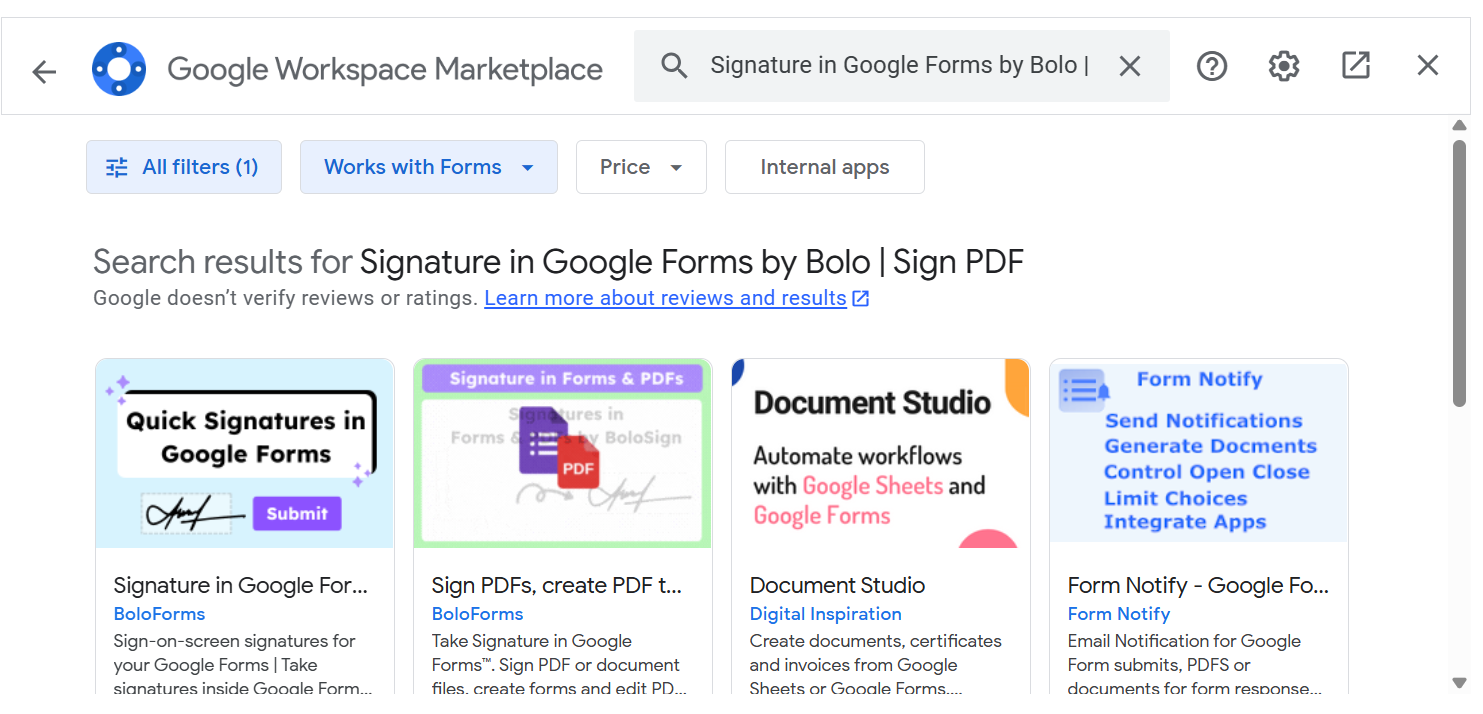
Method 3: Use Add-ons for Signature Collection
Simple Steps:
- Open your form
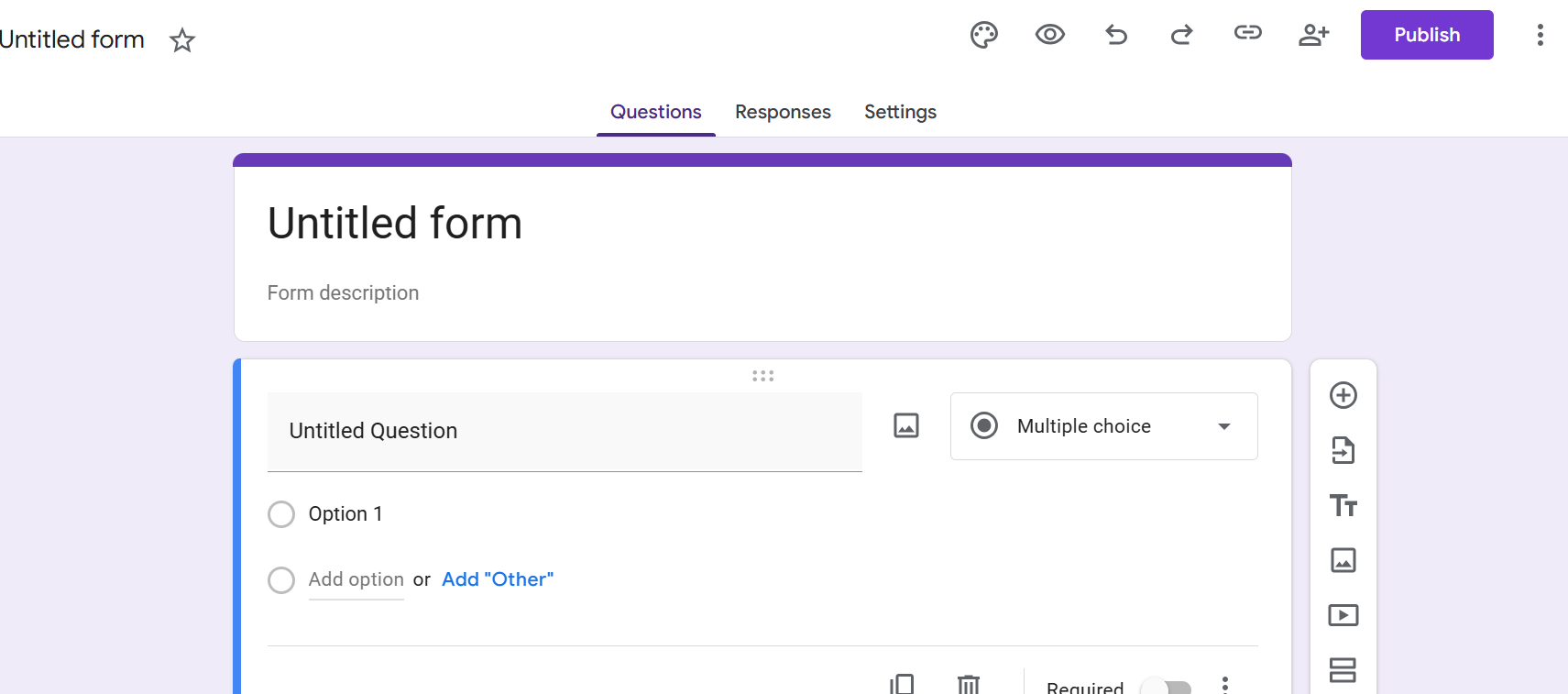
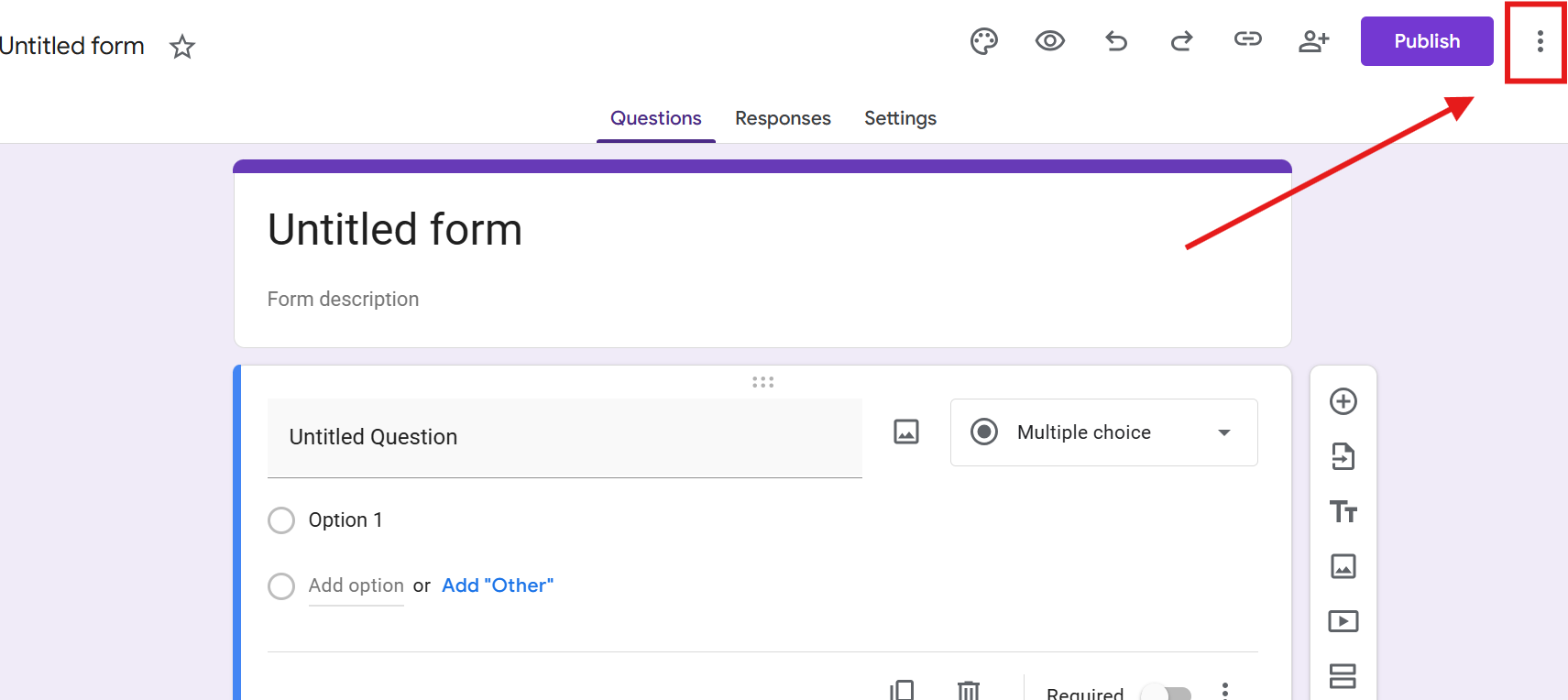
- Click the three dots menu
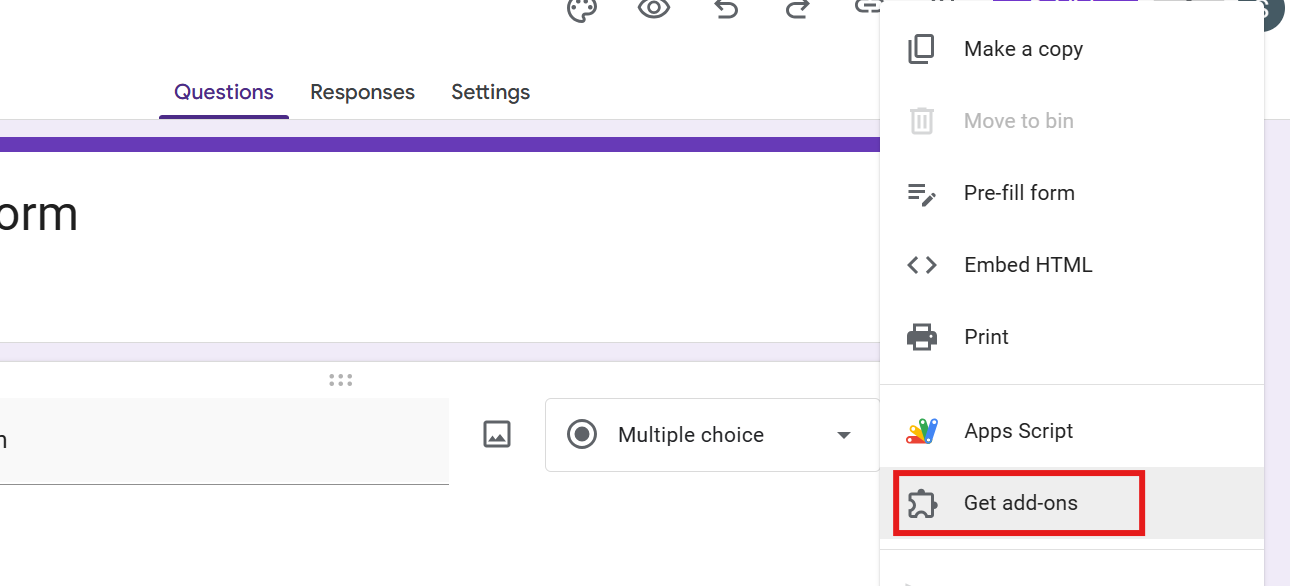
- Select Add-ons
- Search for a signature-related add-on
- Install
How to Make Your Signature Field Clear?
- Always explain what the signature means
- Keep instructions simple
- Place the signature field near the end of the form
Limitations of Signatures in Google Forms
- No built-in handwritten signature tool
- Typed signatures are not legally binding everywhere
- File uploads require Google sign-in
- Not ideal for legal contracts
- Limited automation
Create Quizzes Automatically in Google Forms with AI
If you regularly create Google Forms for education, training, or assessments, writing quiz questions manually can take a lot of time.
This is where tools like MagicForm can help.
MagicForm is an AI-powered Quiz Generator that automatically generates quiz questions directly inside Google Forms.

Instead of writing questions yourself, you can simply provide:
- A topic
- A block of text
- A PDF document
- A webpage URL
- A YouTube video
The AI analyzes the content and instantly generates multiple-choice questions that appear inside your Google Form.
Why Many Educators Use MagicForm
- Saves hours of manual quiz creation
- Works directly with Google Forms
- Generates multiple-choice questions automatically
- Great for teachers, trainers, and online courses
Simple Steps to Generate a Quiz
Step 1. Install the MagicForm add-on from Google Workspace Marketplace.
Step 2. Open your Google Form.
Step 3. Choose MagicForm from the add-ons menu.
Step 4. Enter a topic or paste your content.
Step 5. Let the AI generate quiz questions automatically.
Within seconds, your Google Form can be converted into a complete quiz.
This makes it much easier to create interactive learning forms without spending hours writing questions manually.
Best Practices for Signature Collection
- Keep your instructions clear
- Tell users how to sign
- Place signature fields at the end of the form
- Test the form before sharing it
- Avoid asking for signatures unless it is mandatory
Conclusion
Adding a signature in Google Forms is simple. Better, once you know the right methods. Whether you use typed names, file uploads, or confirmations, each method serves a purpose.
For everyday forms, these options are more than enough. MagicSlides can save time. It can make setup easier.
Also: Read How to enable file upload in Google Forms.
FAQs
Q1. Does Google Forms have a built-in signature feature?
No. You must use alternative methods like typed names or uploads.
Q2. Are typed signatures valid?
They are valid for many non-legal uses.
Q3. Can users upload handwritten signatures?
Yes. Using file upload questions.
Q4. Do signature uploads require sign-in?
Yes. File uploads need a Google account.
Q5. Can MagicForm help create signature forms?
Yes. MagicForm helps structure forms quickly with signature fields.
Q6. Are Google Forms signatures legally binding?
Usually not for formal contracts. Dedicated tools are better.
Q7. Can I collect signatures on mobile using Google Forms?
Yes. Respondents can type their signature or upload a signature image from their phone when filling out the form.